Google Classroom - Invite a Co-Teacher (updated 10/5/2020)

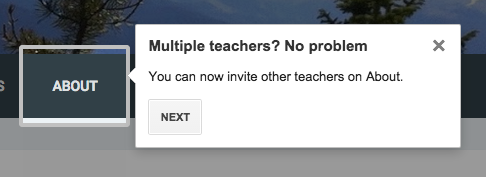
It is very easy to add a co-teacher to your Google Classroom. If you have whitelisted domains with your domain, you can even have a co-teacher from another domain! Here's how: Go to the People area and click the little icon of the person with the plus sign - Type in the name or email of the person you wish to add - You can add multiple names at one time. OR you can even paste a list of emails in to add a larger number. When done, click Invite - They will show up under the Teachers list, grayed out with (invited) next to their name - They will get an email inviting them to join - It will give them a message confirming that they are joining with the correct email address - Once they have joined, they will be displayed in black (the invited will be gone) -