Google Forms - Choice Eliminator Add-on
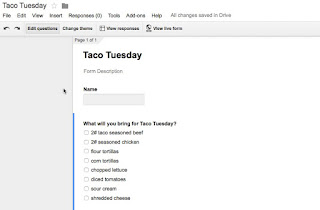
Today we were planning a hands-on session about Google Forms for later this week. While discussing what to cover, I mentioned form add-ons and how the Choice Eliminator would be great simple one to demonstrate. My partner in crime for this pd hadn't even heard of it. Gasp! Every one should know about this one - at least anyone that has ever planned a potluck or any other simple type of sign up where you want to limit the number of people bringing the same item (or signing up for a limited number of seats....or the number of people researching the same topic...). Here is how you add it and use it: First create your form - here's a very simple form I've created (You will only do the following steps once - after you add it, it will always be a choice in future forms) A. Go to Add-ons and select Get add-on B. Search for Choice Eliminator C. When it comes up, click the Free button on the right hand side (mine says Manage because I have already added it...